How to Register Your Key Tag
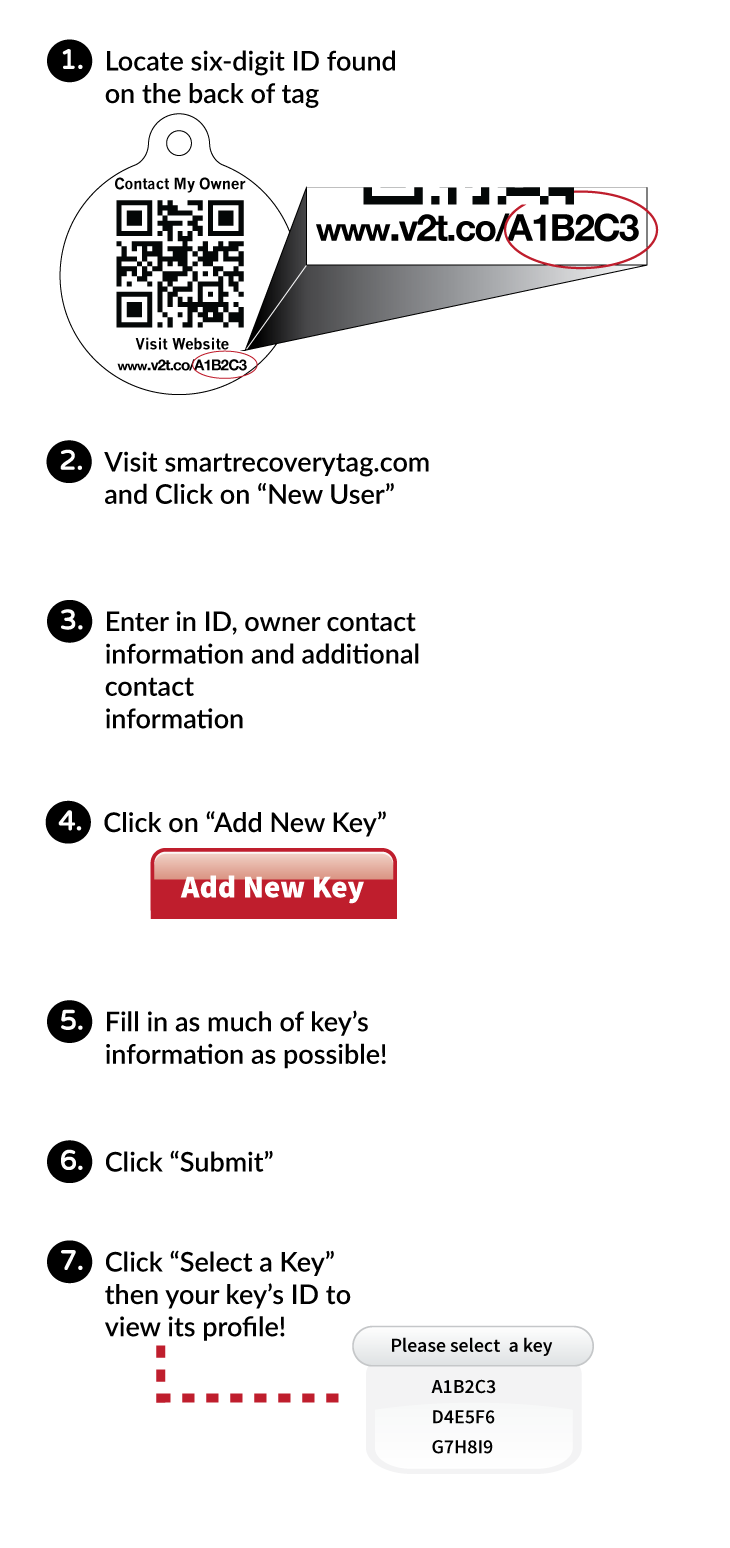
HOW TO REGISTER YOUR KEY
- Locate six-digit ID found on the back of tag
- Visit SmartRecoveryTag.com and click on "New User"
- Enter in ID, owner contact information and additional contact information
- Click on "Add New Key."
- Fill in as much of key's information as possible.
- Click "Submit"
- Click "Select a Key" then your key's ID to view its profile.